
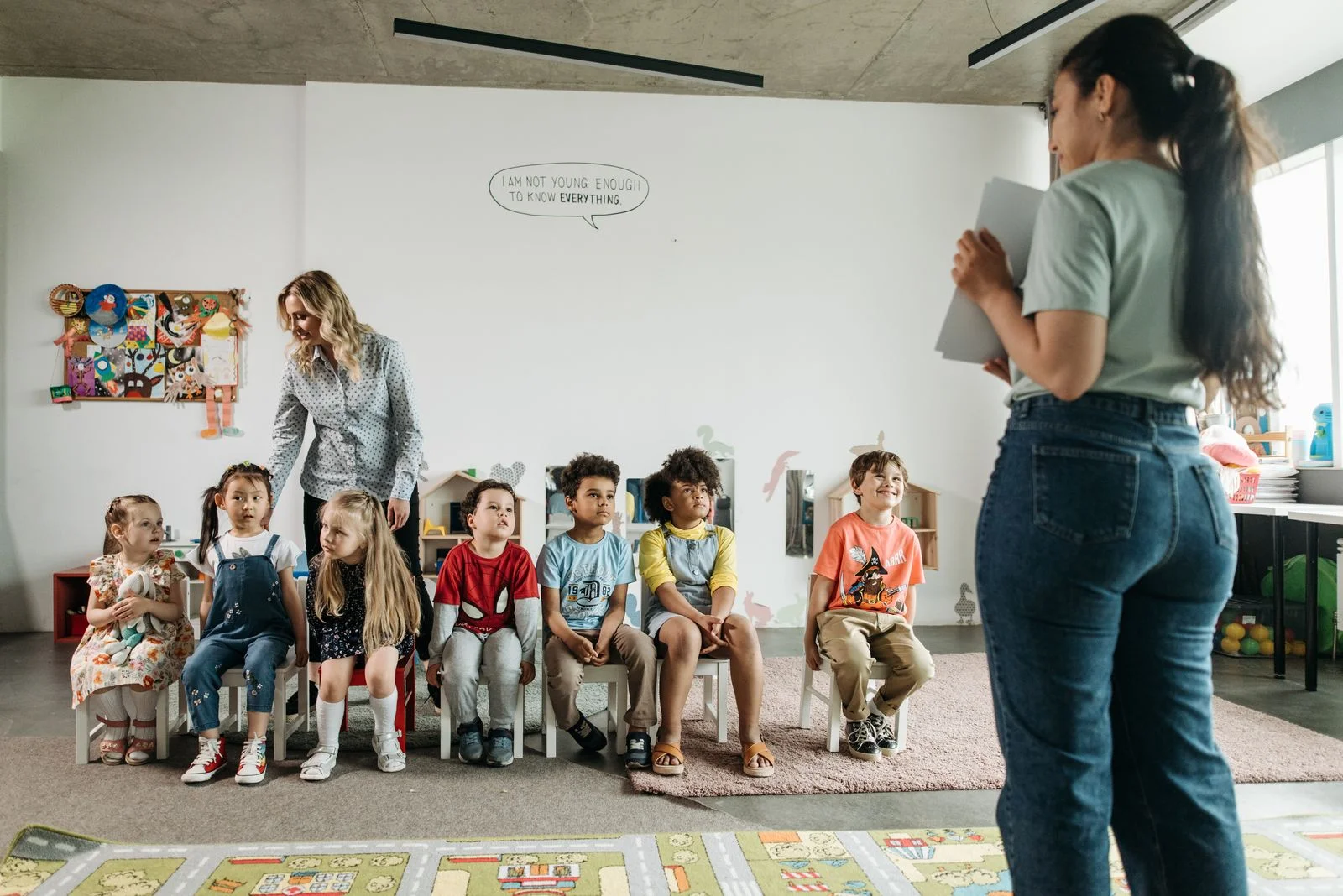
09:15 · In the classroom
A little discovery. A lasting record.
A child finds a new way to count. Their teacher captures the work in a portfolio, so progress is remembered in more than a mark.
Montessa is the school management system that brings students, families, teachers and fees together, with lessons and homework that mark themselves. Made for schools of every kind and size.
Good morning, Mrs Okafor
Here's what's happening across Little Oaks today.
Together we inspire
Confident minds, kind hearts,
curious spirits.
Students
221
Teachers
24
Families
168
Active classes
12
Communications
A little discovery in Sunflower
Today we planted our first beans. Ask your child what a seed needs to grow.
Class story · 15 minutes ago
Staff meeting · Thursday, 3:30 pm
One system
No more copying names between spreadsheets, apps and inboxes. Each part of Montessa knows what the others know.
Attendance & Pickup
Take the register in seconds, check visitors in at the front desk and make sure every child goes home with someone they are allowed to go home with.
New · Interactive Studio
Write a lesson once. Teach it on the board, play it as a live quiz or set it as homework. Every question marks itself, so you see who has understood before the lesson ends, not after the weekend.
Go on, have a go. These are the real thing, working in your browser.
Fraction circles, number lines, clocks and coordinate grids are drawn from numbers, not pasted in as pictures. Pupils answer on the picture itself, and the mark arrives the moment they check.
Maths task · Year 4 fractions and time
Shade three quarters of the circle.
Tap the slices to shade them. The circle is cut into eighths.
This is a real Maths task block, drawn and marked by the same code your pupils use.
Homework & marking
Teachers did not train for years to fill in boxes. Montessa lets you mark the way you always have, on the page, and does the adding up, the filing and the chasing for you.
Marked on hand-in
Questions with a right answer are marked the moment work comes in, so your evening starts with the questions that need you.
Your red pen, kept
Tick, half or cross, a score, a note in the margin and a stamp, on the pupil's own page or a photo of their exercise book.
Say it instead
Record spoken feedback when it is quicker to say than to write, and save the phrases you use every week.
Straight to the portfolio
Marked work files itself into the child's portfolio, for families to see and keep.
Homework · Amara Okafor, Year 4
1. 7 × 8 =
56
2. Why does ice float on water?
Because ice is lighter than water so it goes on top.
3. Write a sentence using “although”.
Although it was raining, we still went to the park.
2/6
Saved phrases, for question 2
Stamp the page
Sample work. The first answer was marked automatically when it was handed in; the rest is yours to mark.
Lesson library
From first sounds to the trial balance. Try each one as a pupil would, then copy it into your school and make it yours. Every lesson is built from the same blocks your teachers build with.
Ages 0–5 · 5 lessons
Shapes and colours all around us
Ages 2–4 20 min
Counting 1 to 10 on the farm
Ages 3–5 25 min
First sounds: s, a, t, p
Ages 4–5 25 min
My body and my five senses
Ages 3–5 25 min
Ages 5–11 · 5 lessons
Fractions: halves, quarters and eighths
Year 3–4 · Ages 7–9 60 min
The water cycle
Year 4–5 · Ages 8–10 60 min
Our solar system
Year 5 · Ages 9–10 60 min
Persuasive writing: Save our park
Year 5–6 · Ages 9–11 75 min
Ages 11–18 · 10 lessons
Cell structure: animal and plant cells
Year 7–9 · Ages 11–14 90 min
The heart and circulation
Year 10–11 · Ages 14–16 100 min
Atomic structure and the periodic table
Year 9–11 · Ages 13–16 100 min
Forces and motion: Newton's laws
Year 10–11 · Ages 14–16 100 min
Products
Use what you need today and switch on the rest as your school grows.
Mobile app and web portal
One Montessa app changes shape for whoever signs in. Parents see their children. Teachers get a quick-add button. The gate sees who is collecting.
Everything families do, from one phone
Read the class story, reply to a teacher, hand in homework, pay fees and name who is collecting today, all from a phone.
Dressed in your school's colours
Your logo, colours and website. Families with children at more than one school switch between them with a tap.
Good afternoon, Ana
Leo · Year 2
Checked in at 8:02 am
The moments that matter
Less time joining up the admin. More time noticing the small things that make a school day.
09:15 · In the classroom
A child finds a new way to count. Their teacher captures the work in a portfolio, so progress is remembered in more than a mark.

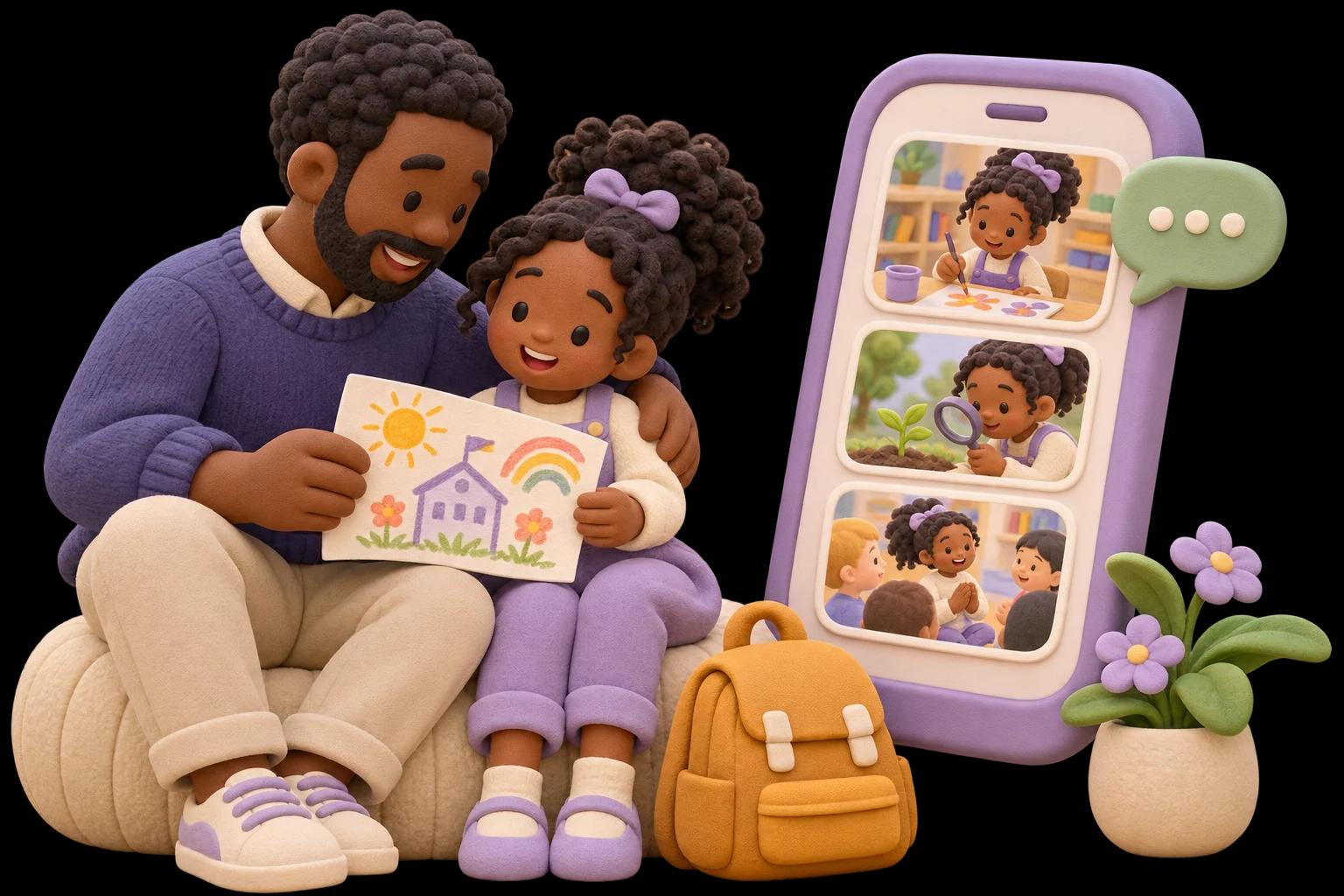
12:30 · A moment shared
A photo, a class story, a quick note from the teacher. Families get a window into the day and something lovely to talk about on the way home.
Everyday scenarios showing how Montessa can fit into a school day.
Connected records
An application becomes a student, a student becomes a bill, a register mark becomes a parent alert. Montessa joins the dots so your team does not have to.
Step 1
A family applies
Online form on your website
Step 2
A student is enrolled
Family attached, nothing retyped
Step 3
Fees are billed
Discounts applied by rule
Step 4
Home and school talk
Messages, stories, the book
Nothing slips through
The trip is on Friday and three consent forms are missing. Montessa tells you whose, with their children beside their names, and reminds only them. And the office keeps working when the head is out of the building.
Consent · Science museum trip
5 of 8 answered
4 agreed · 1 declined · 3 waiting
Sample families. The same list and reminder are on the web and in the Montessa app.
Admissions
Year 2 · 1 place leftThe Okonkwo family
Adaeze, Year 2
The Patel family
Arjun, Year 2
The Mensah family
Kofi, Nursery
Admissions in your pocket. Move a family along and enrol them from the app, with the same emails and history as the web.
For everyone at school
Everyone signs in to the same Montessa, and everyone sees what they need first, and only what they are allowed to.

Heads and office
A home that shows what needs you today: applications, consents, cover and fees.
Teachers
Lessons that mark themselves, live class games, homework marked on the page, and registers and replies for the minutes between lessons.
Finance
Billing, instalments, payments and bookkeeping, without access to everything else.
Parents
Their children's day, homework, fees and pickup, in their language, on their phone.
Students
A planner that shows what is due, lessons they can answer on any screen, and their marked work read back the way their teacher left it.
Gate and bus
Dedicated screens for safe pickup and the bus run, on the school's own clock.
Simple pricing
No set-up fees, no contracts, cancel any time. Start free and only pay when your school is ready.
Starter
$0forever
For a single classroom finding its feet.
Essential
$2/ student / month
A whole small school.
Growth
$4/ student / month
The full family-engagement suite.
Enterprise
$6/ student / month
Multi-campus groups.
What's new
We ship improvements continuously, and here is what landed most recently.
Maths you can touch
A library of ready-made lessons
Spreadsheets and PDF worksheets
Chapters with gated progress
Ink, notebooks and voice
Homework marked on the page

Start free for up to 30 students. No card, no contract, no set-up fee.